INVOICE BUILDER FOR UK FREELANCERS & SMALL BUSINESSES
Every field. Where you want it.
Move, resize and style your invoice. Totals and VAT calculate automatically. With Pro, save the layout for the next job.
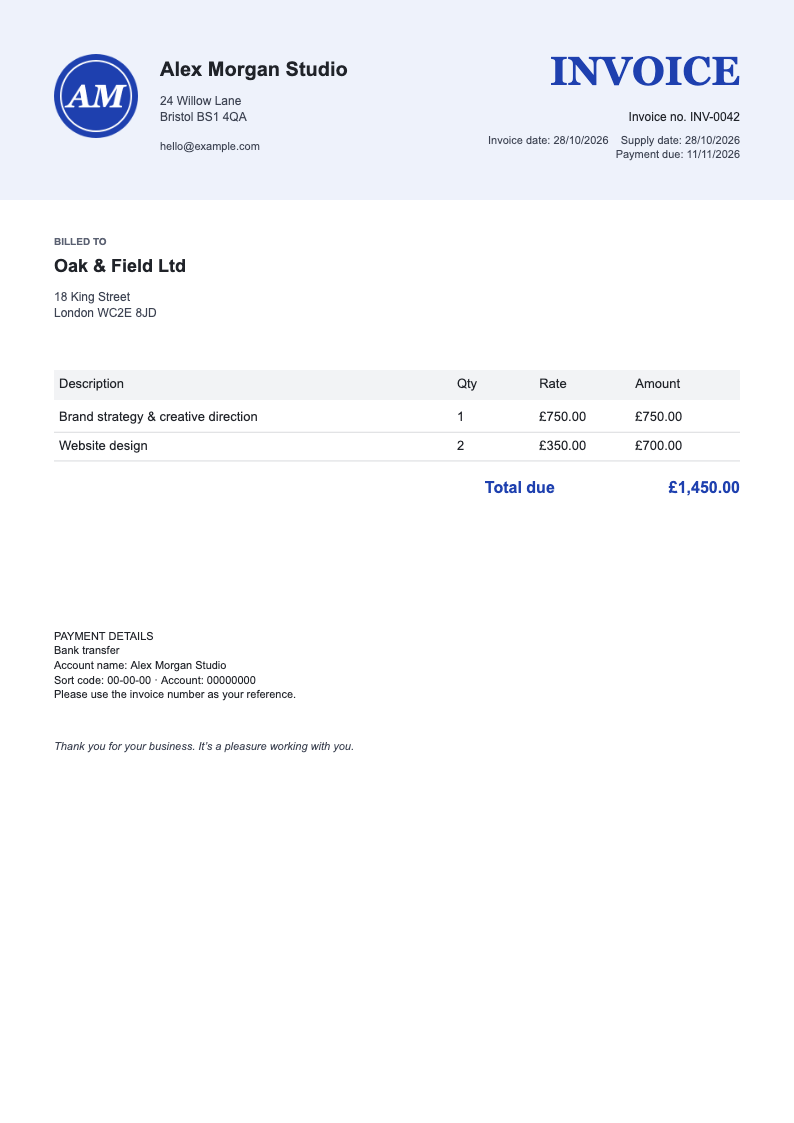
Drag anything on the invoice.
More options
North Street Studio · fictional customer
Fictional sample. Changes reset when you leave.
No signup. Saving and PDF downloads require Pro. £79 once, no subscription. Full refund within 14 days.The sample above works on your phone; the invoice builder needs a computer.
Arrange it once. Change the customer and job next time.
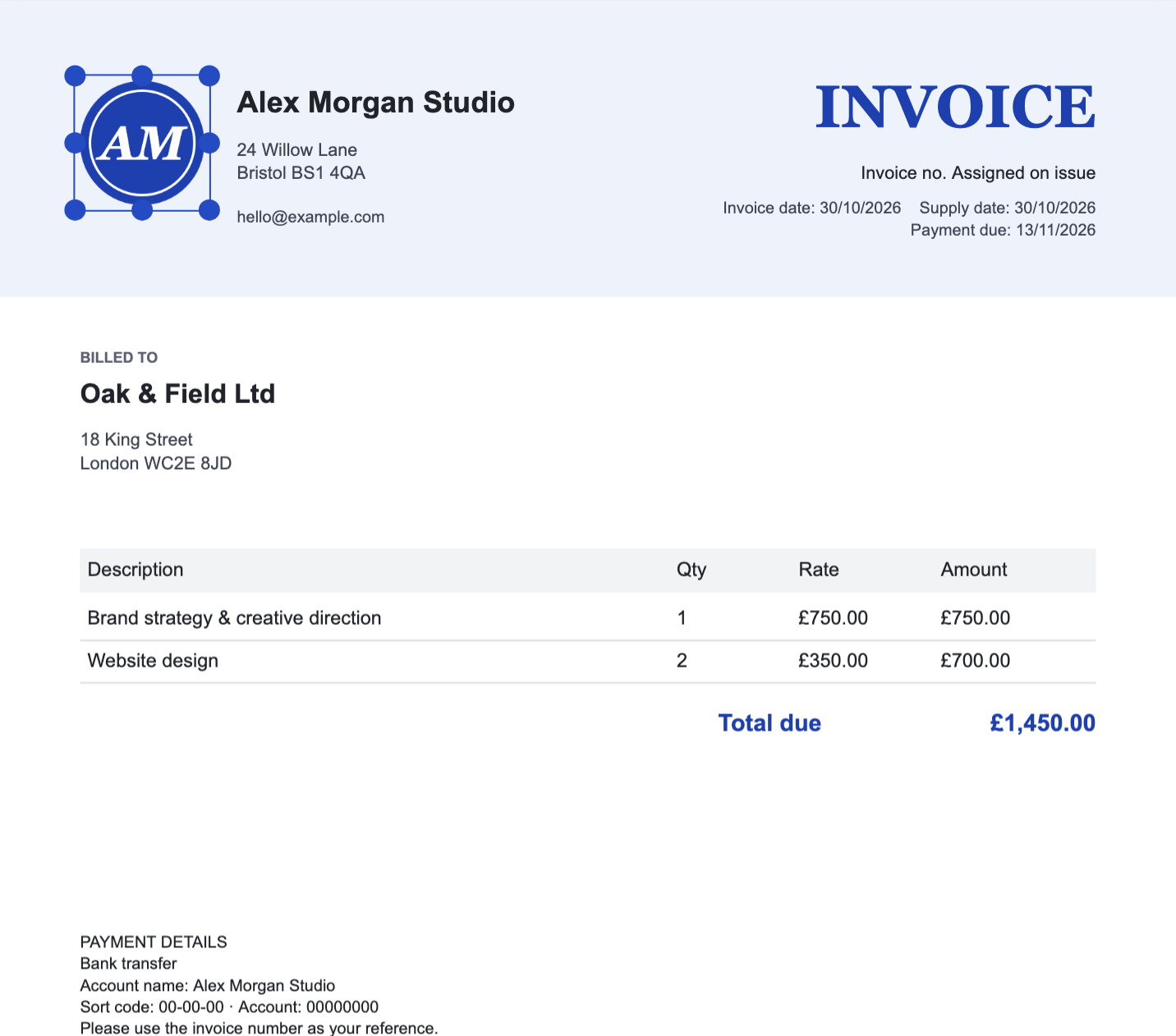
1 Arrange it
Move, resize and style the fields. You can also start from a one-page PDF with selectable text; logos, graphics and exact styling need rebuilding.
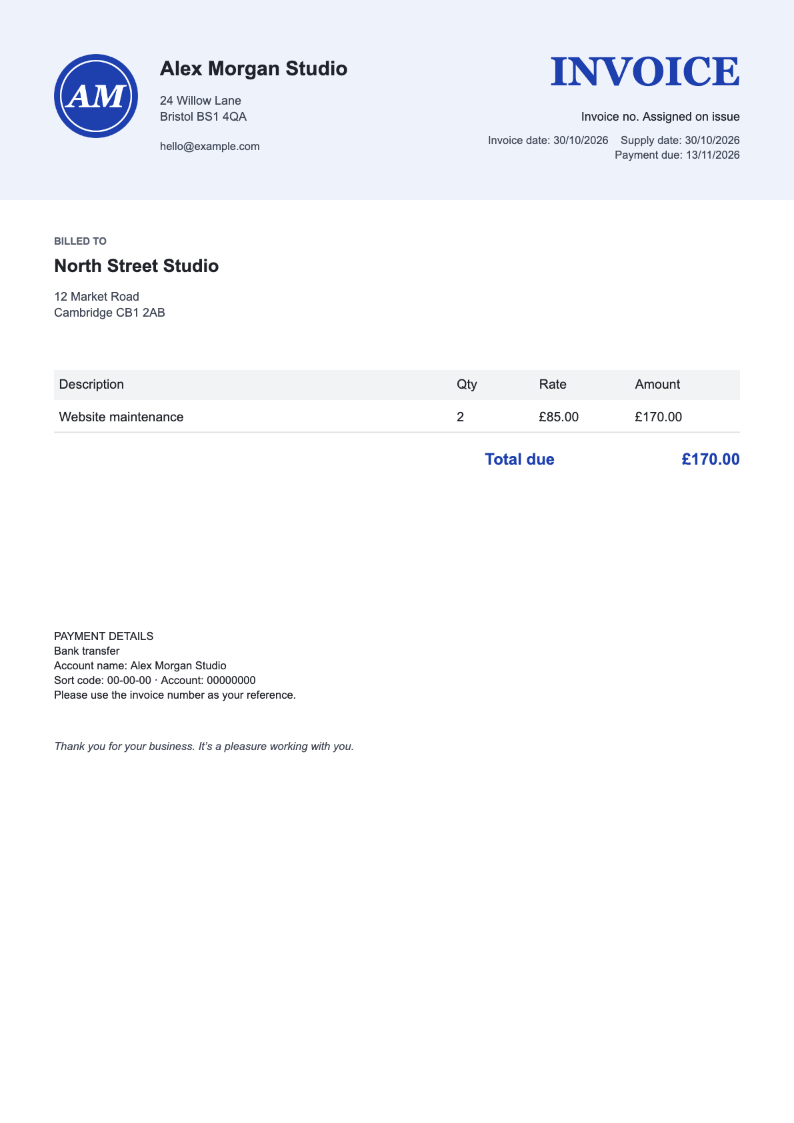
2 Reuse it
Pick a saved customer and type the job. Everything else stays put, and the total is worked out for you.
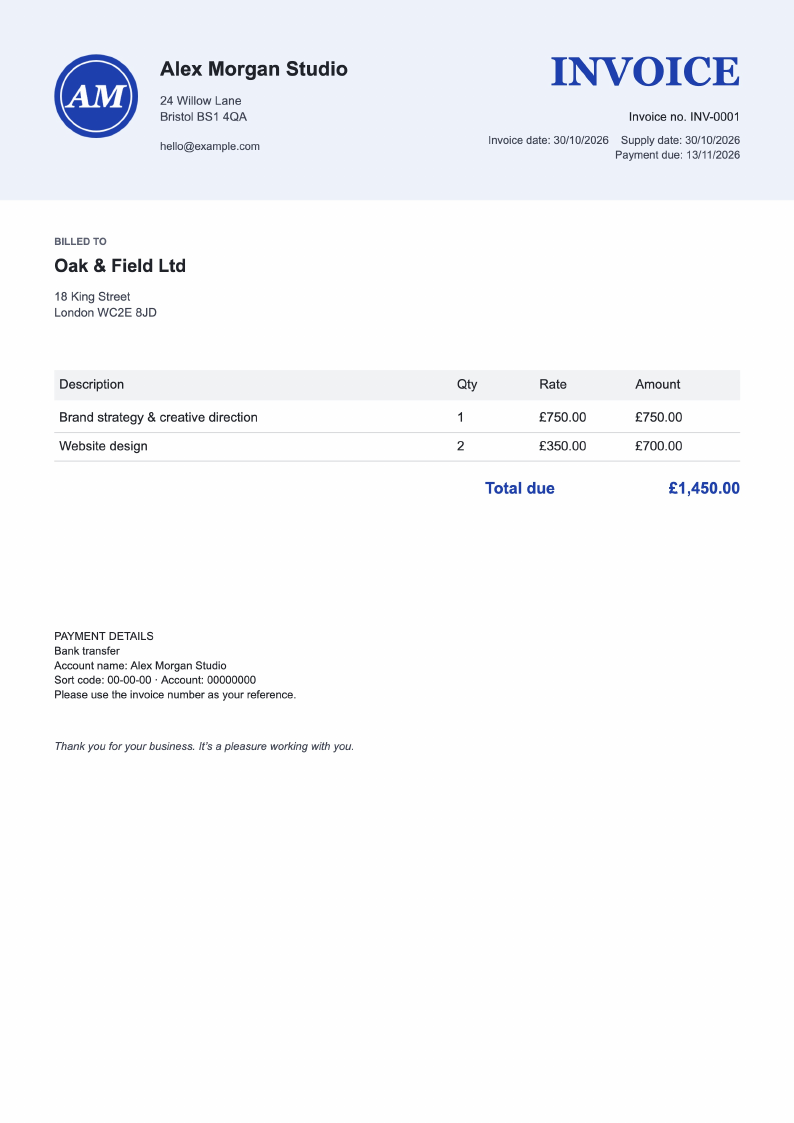 INV-0001 · Oak & Field Ltd
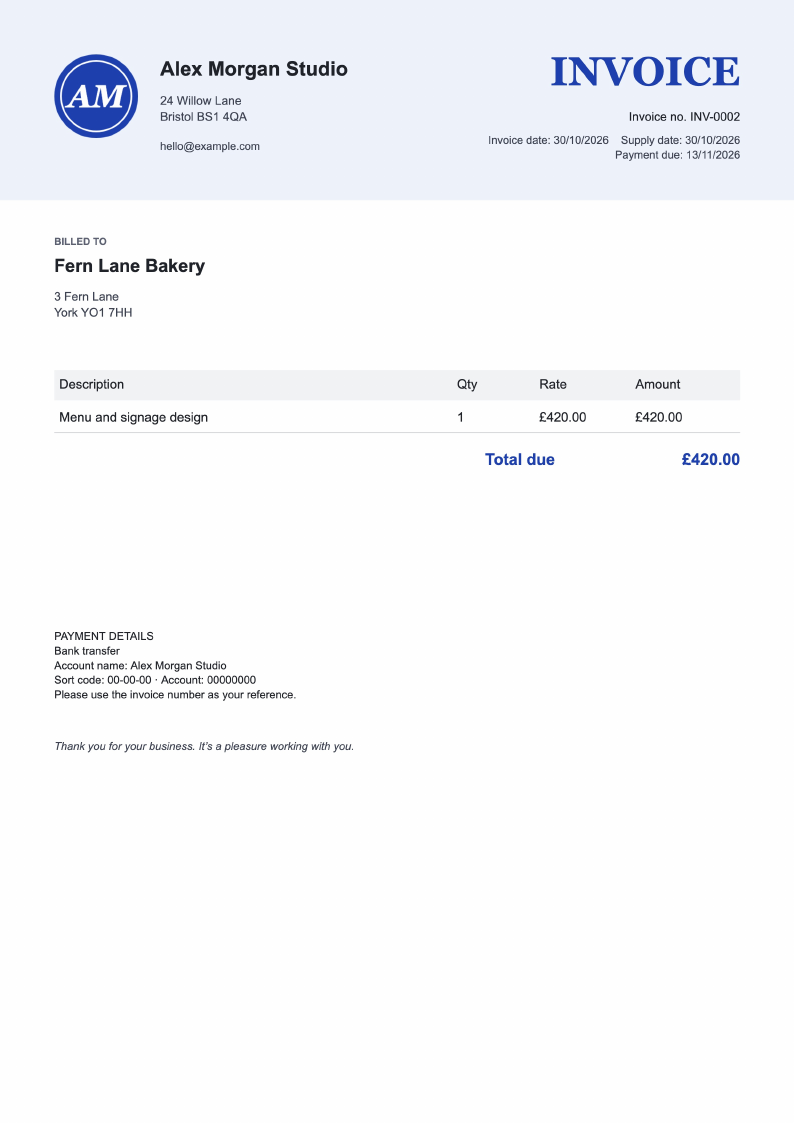 INV-0002 · Fern Lane Bakery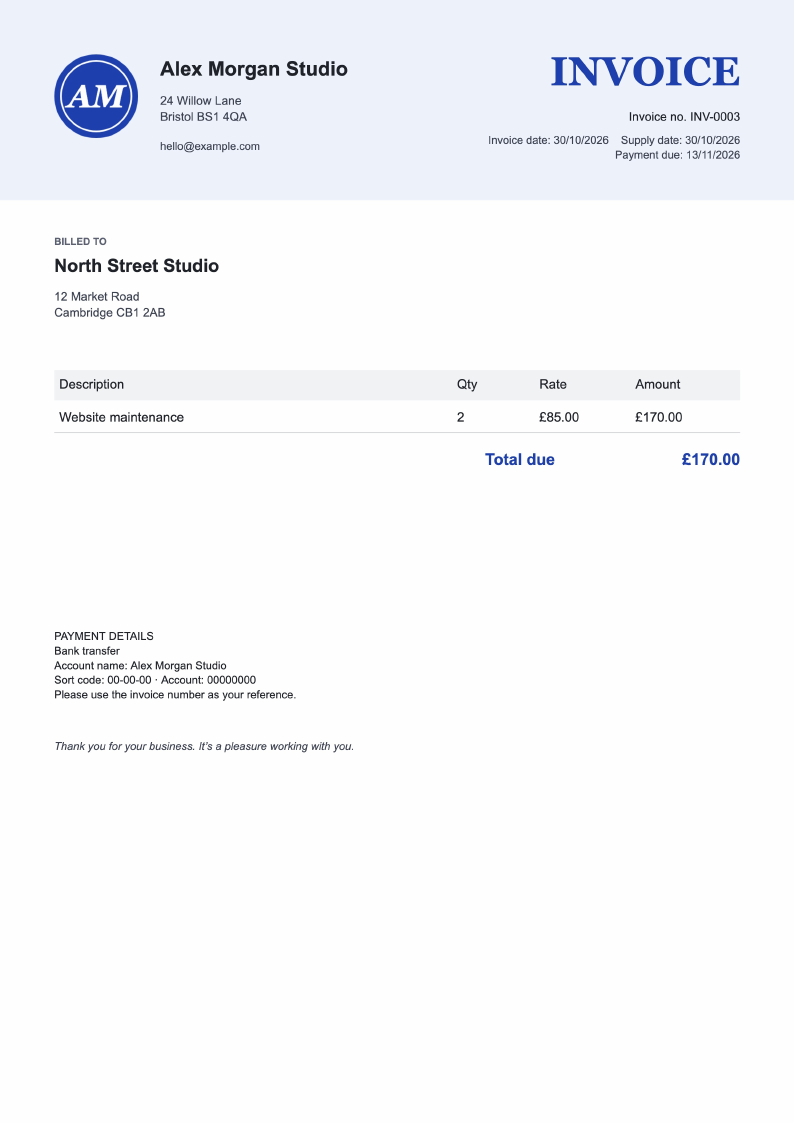
3 Download the PDF
Download the numbered PDF and send it yourself. Issued copies stay unchanged; Invoice Customiser doesn’t email invoices or chase payments.
Real screenshots from Pro with fictional details.
Stop working around a fixed template.
- Using a design tool can mean doing the sums yourself. Here totals and VAT are calculated from your line items.
- Adding a line in Word can shift your layout. Here overlapping or overflowing text is flagged before you download.
- A software update can change a template you liked. Here you save your own layout, and issued PDFs stay unchanged.
One builder. Invoices that look nothing alike.
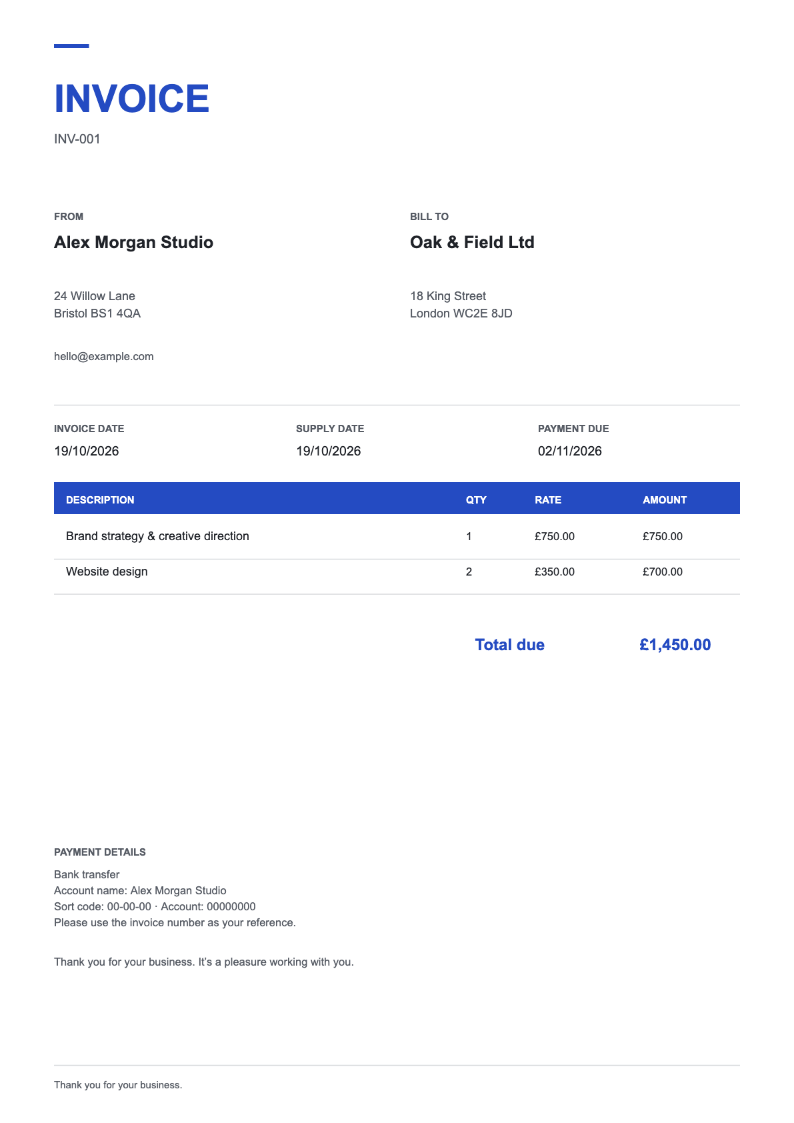
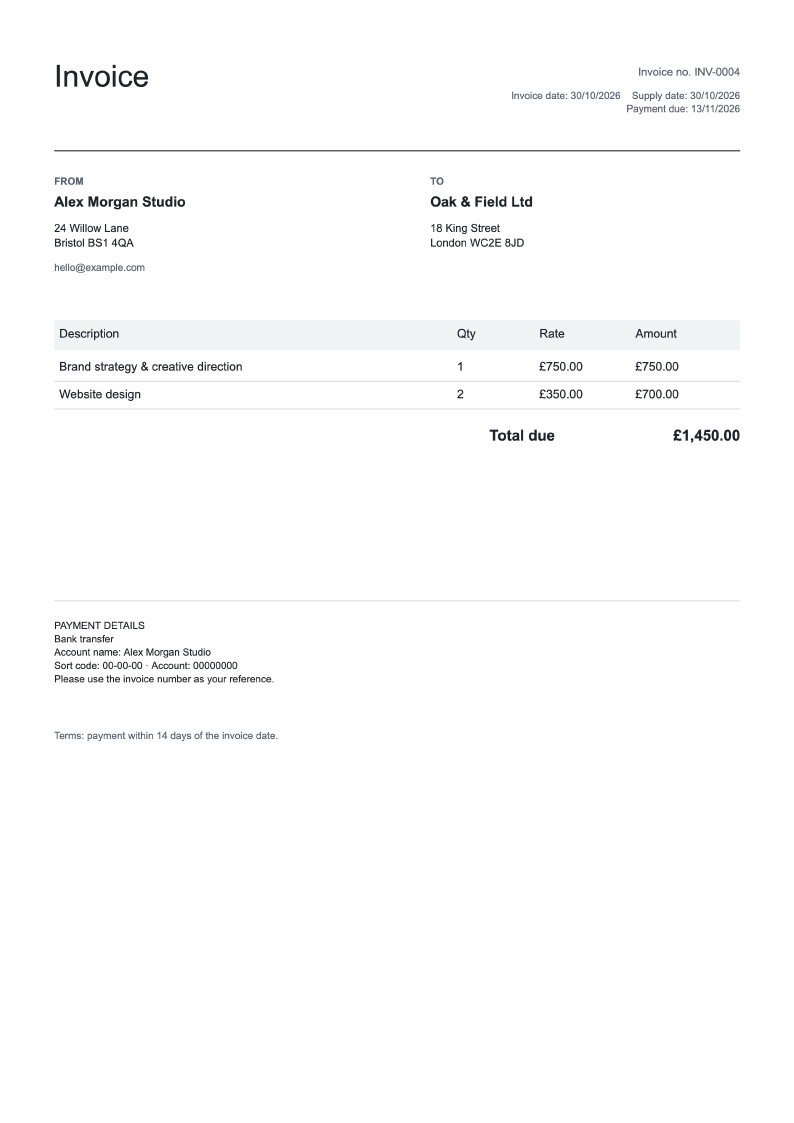
The same invoice details in three designs, each made in Invoice Customiser and issued as a real PDF. Add text, sections and lines; choose from five fonts and adjust colours and text size. Readability and overflow checks flag problems before download.
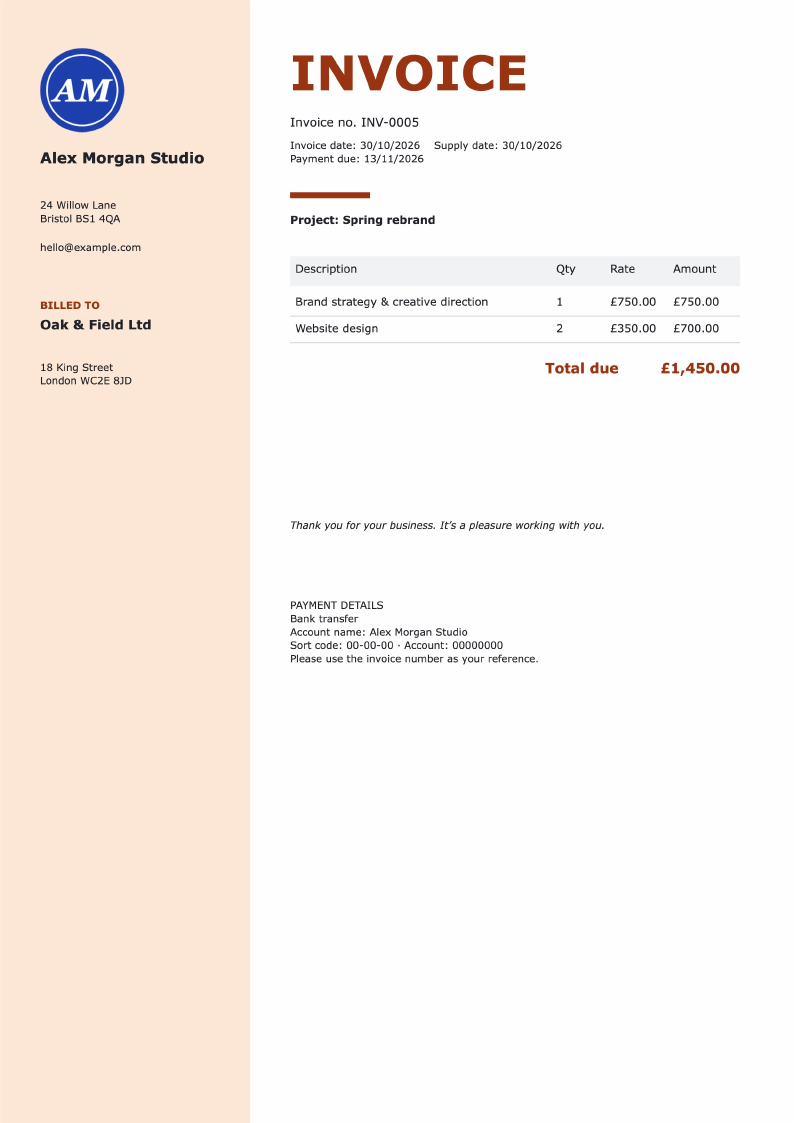
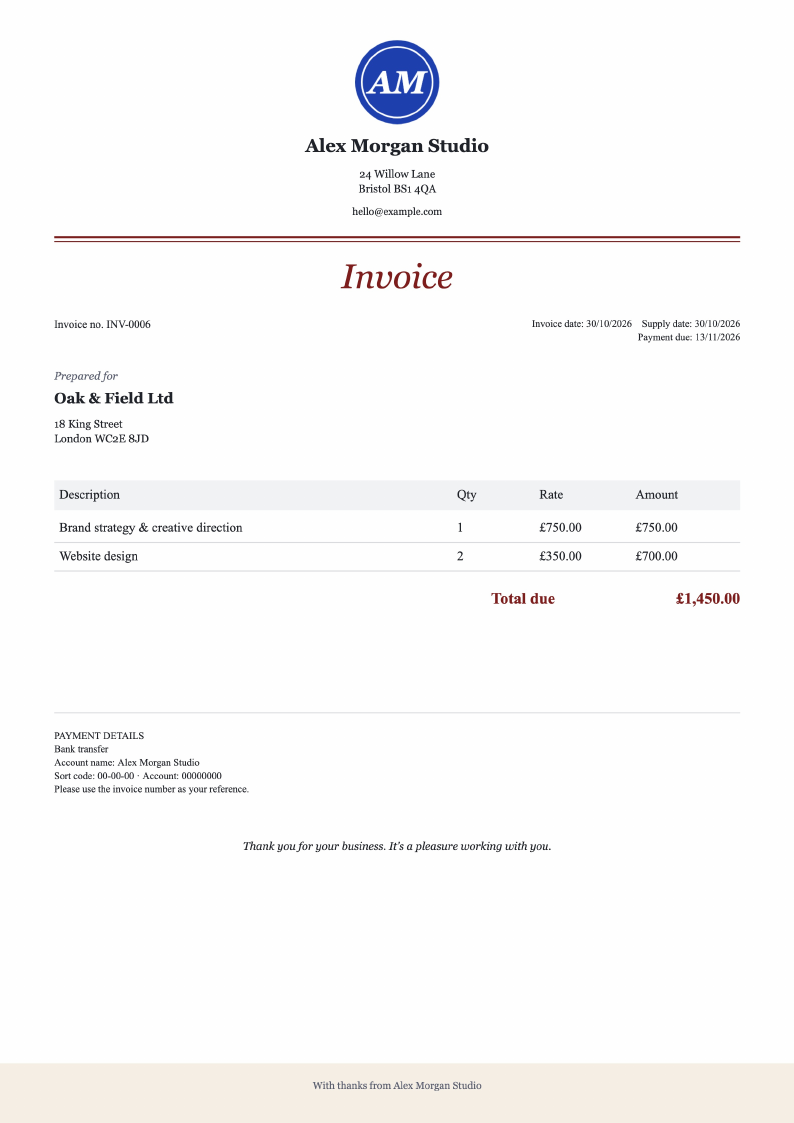
£79 once. No subscription.
One payment unlocks Pro for as long as the service runs.
Includes a 500 MB private archive for issued PDFs and logos.
Download your invoices and send them yourself. Emailing and payment collection aren’t included.
Get Pro for £79- Secure payment by Stripe; we never see your card
- Not for you? Full refund within 14 days
- Download your records and PDFs. ZIP archives are limited to 50 MB; after a refund, export access lasts 30 days.
- Issue numbered invoices and download the PDFs, no watermark
- Move, resize and style every field
- Add your own text, sections and lines
- Saved designs, customers and business details
- Automatic totals and UK VAT (0%, 5%, 20%)
- Find any invoice later: search, paid and unpaid
- Start from a one-page PDF with selectable text; rebuild logos and graphics
- Export PDFs, CSV and JSON, or ZIP archives up to 50 MB
- Saved privately to your account, on any computer
Questions
Can I try it before buying?
Yes. Edit the sample on this page, or open the invoice builder without an account and move, resize and style every part of a fictional invoice. Nothing is saved or uploaded, and saving and PDF downloads come with Pro. The invoice builder needs a screen at least 1000 px wide.
Is £79 a subscription?
No. Pro is £79 once, including applicable taxes, with access while the hosted service is operated. There is no promise of perpetual cloud hosting.
What if it’s not for me?
Ask for a full refund within 14 days of purchase. A refund revokes Pro editing without deleting your records, and you keep 30 days to export them. Partial refunds are reviewed individually. This does not affect your statutory rights.
Does it handle VAT?
Yes, for UK invoices in pounds: 0%, 5% and 20% per line, your VAT number and a VAT breakdown. It isn’t tax advice, and reverse charge, CIS and other currencies aren’t supported.
Can I bring my existing invoice?
Import a one-page PDF with selectable text and its text becomes editable fields as a starting point. Logos and graphics need adding again; scanned images can’t be read.
Is this accounting software?
No. It makes invoices that look the way you want. It doesn’t email them, chase payments or do your bookkeeping, so use it alongside your accounts.
Are there any limits?
Each invoice is one A4 page with up to eight line items of up to 140 characters each, and export is blocked if anything clips or overflows. PDFs have no watermark; they are high-resolution images, so their text isn’t selectable.
Where are my invoices stored?
Pro saves your drafts, customers, business details, designs and issued PDFs privately to your account. The sample and trial invoice builder send nothing to us. Keep your own copies of invoices you send.
Can I export my records?
Yes, at any time: JSON records, invoice CSV, individual PDFs and logos, and ZIP archives up to 50 MB. After a refund you keep 30 days of export-only access.
Can I move every field?
Yes. Drag, resize and style every element, including the logo, dates, invoice number, items and totals. Any element can also be removed, so check that your design still contains the information your invoice needs.
Can I use it on my phone?
You can try the sample on this page on a phone, and Pro’s invoice details, saving and issuing work there too. Arranging the layout needs a screen at least 1000 px wide.
Put everything where you want it.
Try a sample invoice Try the sampleNo signup to try.